Build the current branch for iPhone Simulator, launch the app, verify the onboarding deep link, and show me the retained screenshots and logs.
Give Codex iOS—without giving it a Mac.
Keep Codex on Linux or in the cloud. AgentCloud accepts build-ready iOS source or a Simulator-compatible .app, schedules the managed build, and gives Codex a disposable iOS Simulator through remote OAuth MCP.
No card · 2 Simulator hours · 1 source build
Terminalcurrent CLI syntax
$ codex mcp add agentcloud \
  --url https://api.agentcloud.so/mcp
Added global MCP server 'agentcloud'.

$ codex mcp login agentcloud
OAuth login completed.
Build this branch for iPhone Simulator. Launch it, verify onboarding, and retain the screenshots and logs.
AgentCloud runillustrative data
ios.create_source_uploadsource acceptedios.buildSimulator artifact readyios.createiPhone 16 Proios.observescreen + accessibilityios.acttap “Continue”ios.logs0 errorsCodex gets tools. You get the evidence.
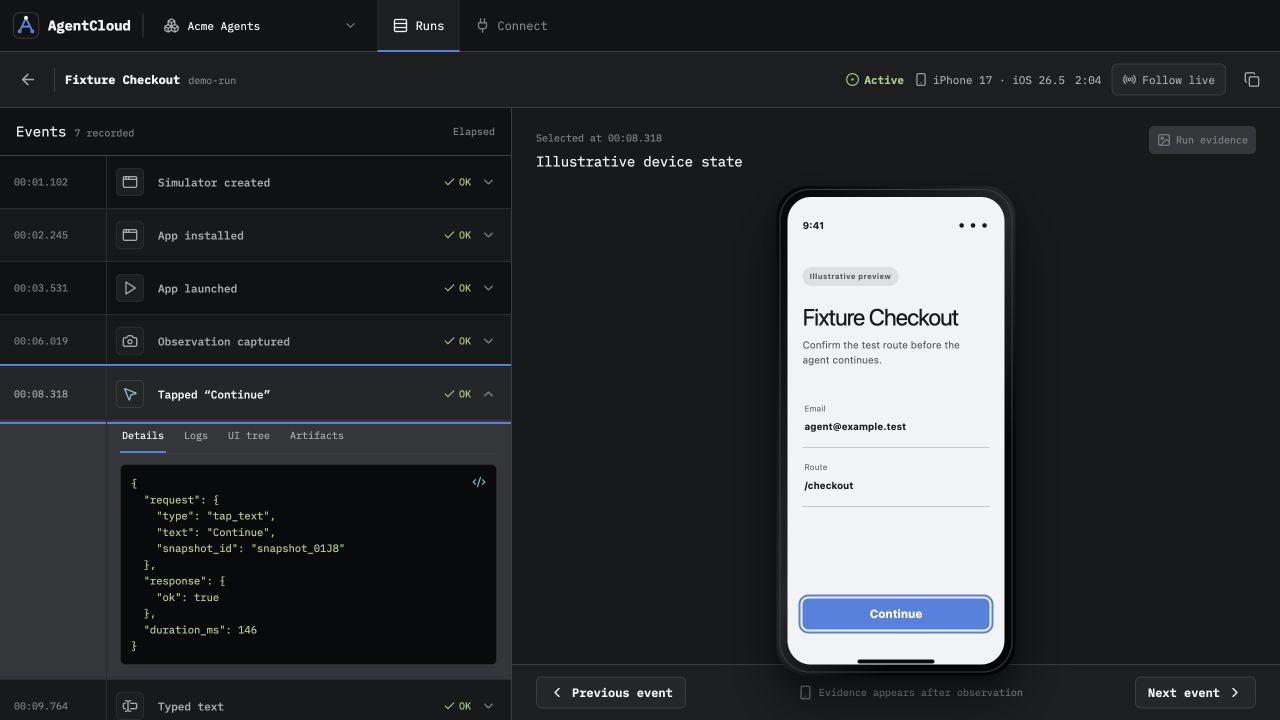
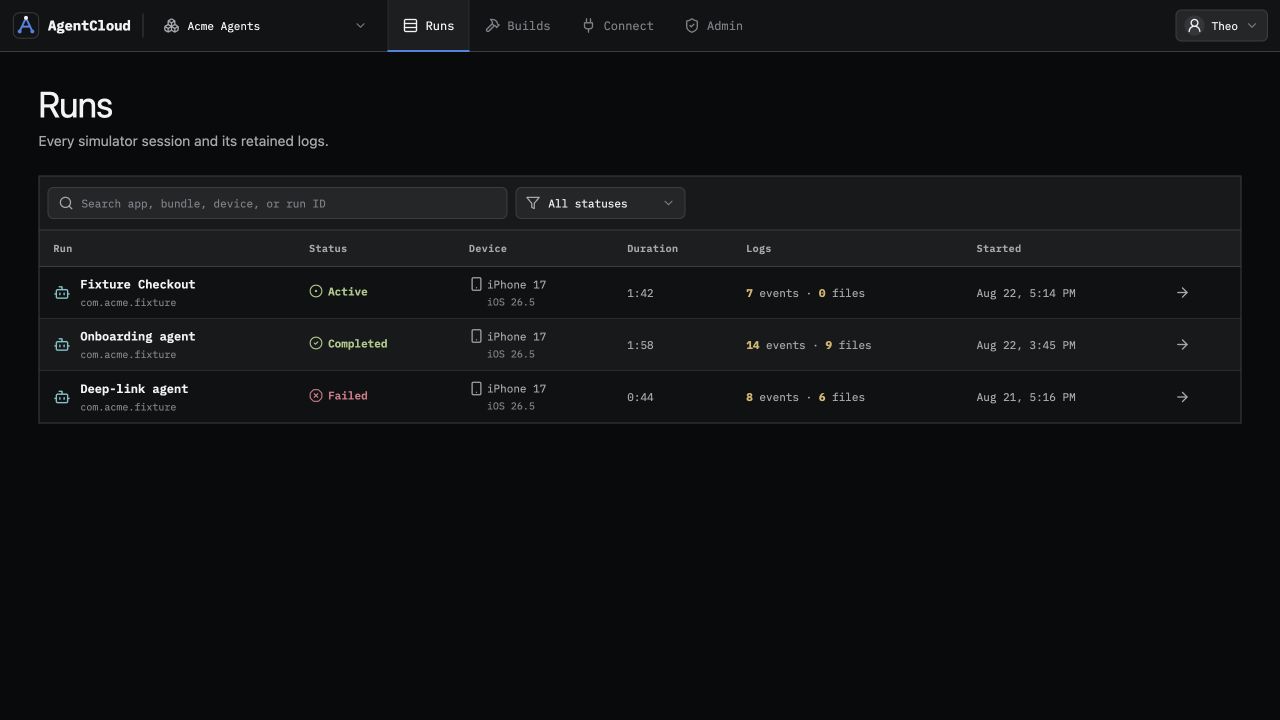
This is the actual AgentCloud run interface with demo data. Each action stays beside the screen, accessibility state, logs, and recording it produced.
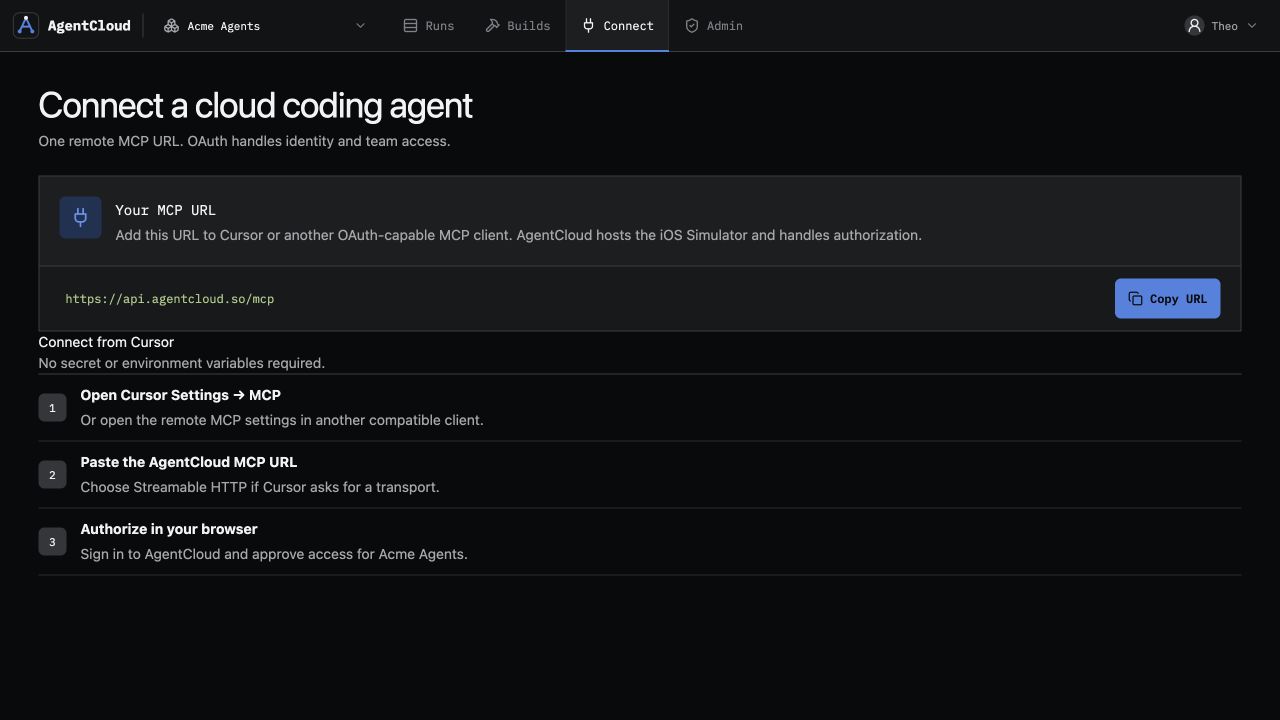
Connect Codex in two commands.
The command syntax below was verified against the current Codex CLI. AgentCloud’s production endpoint advertises Streamable HTTP MCP, OAuth 2.1, PKCE, and the mcp:connect scope.
- 1Create a free workspace
Start with 2 Simulator hours and one managed source build, without a card.
- 2Add AgentCloud
Register the production Streamable HTTP endpoint in Codex.
- 3Authorize access
Sign in and approve the workspace in the browser when Codex opens OAuth.
- 4Ask Codex to verify
Send build-ready source or a Simulator
.app, then let the agent operate the run.
# Register AgentCloud
codex mcp add agentcloud \
  --url https://api.agentcloud.so/mcp

# Complete OAuth in the browser
codex mcp login agentcloud
Ready for iOS workCodex can now discover the focused AgentCloud tools.
Local Mac workflow or hosted iOS boundary.
Constraint
Local Simulator MCP
AgentCloud for Codex
Where Codex runsOn the Mac that owns the SimulatorLinux, cloud, or another machine
Build runtimeLocal Xcode project and toolchainManaged build from build-ready source, or upload a Simulator
.appMachine accessLocal process and Simulator accessFocused OAuth MCP; no Mac desktop, Xcode UI, or raw shell
Parallel sessionsCompete for local machine capacity1, 4, or 10 concurrent Simulators by plan
Review evidenceCollect artifacts across local toolsScreens, actions, accessibility, logs, artifacts, and video stay joined
Ask for the outcome, not the machinery.
Once AgentCloud is connected, Codex can choose the focused build and Simulator tools needed for a real verification loop.
Install this Simulator-compatible app, reproduce the checkout flow, use accessibility labels where possible, and report the first failing step with evidence.
Run the changed flow on a clean Simulator, compare the visible result with the acceptance criteria, then destroy the session and link the completed run.
The exact boundary.
A hosted iOS build-and-Simulator workflow for Codex, not a remote Mac rental.
Can Codex test iOS without a local Mac?
Yes. Codex can run on Linux or in the cloud while AgentCloud schedules managed macOS build capacity and a disposable hosted iOS Simulator behind the remote MCP endpoint.
Does AgentCloud provide a Mac or Xcode?
No. Codex receives focused build and Simulator tools. AgentCloud does not expose a Mac desktop, Xcode interface, or raw worker shell.
What can Codex upload?
Build-ready iOS source containing its Xcode workspace or project, or a Simulator-compatible .app bundle. Device-signed .ipa files are not supported.
Will Expo and React Native projects work?
They must arrive in build-ready iOS form, including the generated Xcode workspace or project and the dependencies required to produce a Simulator build.
How does Codex authenticate?
Codex connects to https://api.agentcloud.so/mcp, discovers AgentCloud’s OAuth metadata, and completes OAuth 2.1 authorization with PKCE in the browser.
Let Codex verify one real iOS change.
Start with 2 free Simulator hours and one managed source build. No card required.